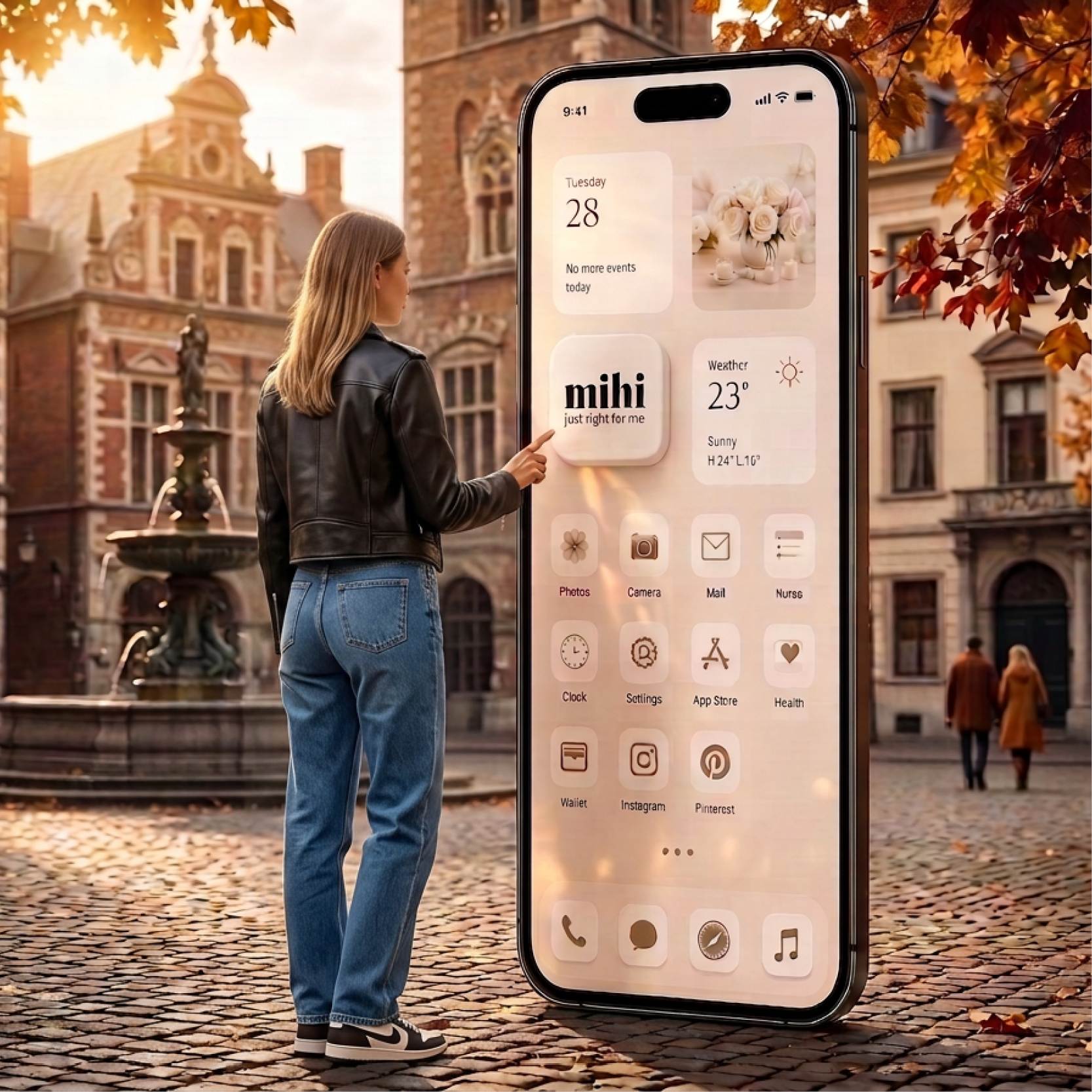
🚀 Meet the mihi app for mobile phones! 📲
All the most important news and personalized information are now at your fingertips! ✨
⏱️ The app is available from 27.08.2026, 10:00 (Warsaw time)!
What are the benefits of installing the app?
🔔 Instant push notifications — key news, promotions, and personalized alerts.
⚡️ 1-click access — a convenient icon on your smartphone screen for quick access to mihi.care.
🎁 Special bonus! 💰 Only until the end of catalog 12/2026, all registered Customers will receive the following for installing the app:
💶 3 € bonus to the promo account*
⭐️ 3 stars for the "Collect Stars — Win a Car" program *🚗
*Bonuses and stars will be credited after you enable push notifications!
🎁 During periods 13/2026-14/2026, all registered Customers receive 💶 3€ to their promo account for installing the app! ✨
The mihi app works as a convenient mobile service, but it installs directly from our website — no need to search for it in the App Store or Google Play! 😉
📲 Installation and notification setup instructions:
🤖 Installation on Android
1. Log in to your Personal Office on mihi.care 🔑
2. Go to the My App section. 📱
3. Find the Install the app banner and click the Install button. 📥
4. Confirm the installation if a system prompt appears. 👍
✅ The mihi icon will appear on your smartphone's home screen!
________________________________________
🍏 Installation on iPhone (iOS)
(⚠️ Important: on iOS, installation only works via the Safari browser)
1. Open the Safari browser, go to mihi, and log in to your Personal Office. 🌐
2. In the bottom menu of Safari, tap the "Share" button (a square with an upward arrow ⬆️).
3. Scroll through the options and select "Add to Home Screen". ➕
4. In the top right corner, tap "Add". 📌
✅ The mihi icon will appear on your iPhone's home screen!
________________________________________
🔔 Enabling push notifications (for all devices)
1. Open mihi via the new home screen icon and log in to your Personal Account. 📲
2. Go to the My App section. ⚙️
3. Find the Push notifications banner and click Enable Notification. 🔘
4. Tap "Allow" when your smartphone requests permission to send notifications. 🔔
🎬 Video instructions:
🍏 iPhone (iOS) - https://youtube.com/shorts/6WiJ-r15j8k?si=yKSpLbcHEbHZ5QzQ
🤖 Android - https://youtube.com/shorts/7WLP9AZA-KE?si=imsT7Za9izWpdT2y
🎉 Done! Now you definitely won't miss anything important! 🔔
The terms of this promotion have been drawn up in accordance with the regulations: Individual Pricing Policy



 Only PC
  Favorite
  Catalog
  Cart
Cart  Enter
Enter