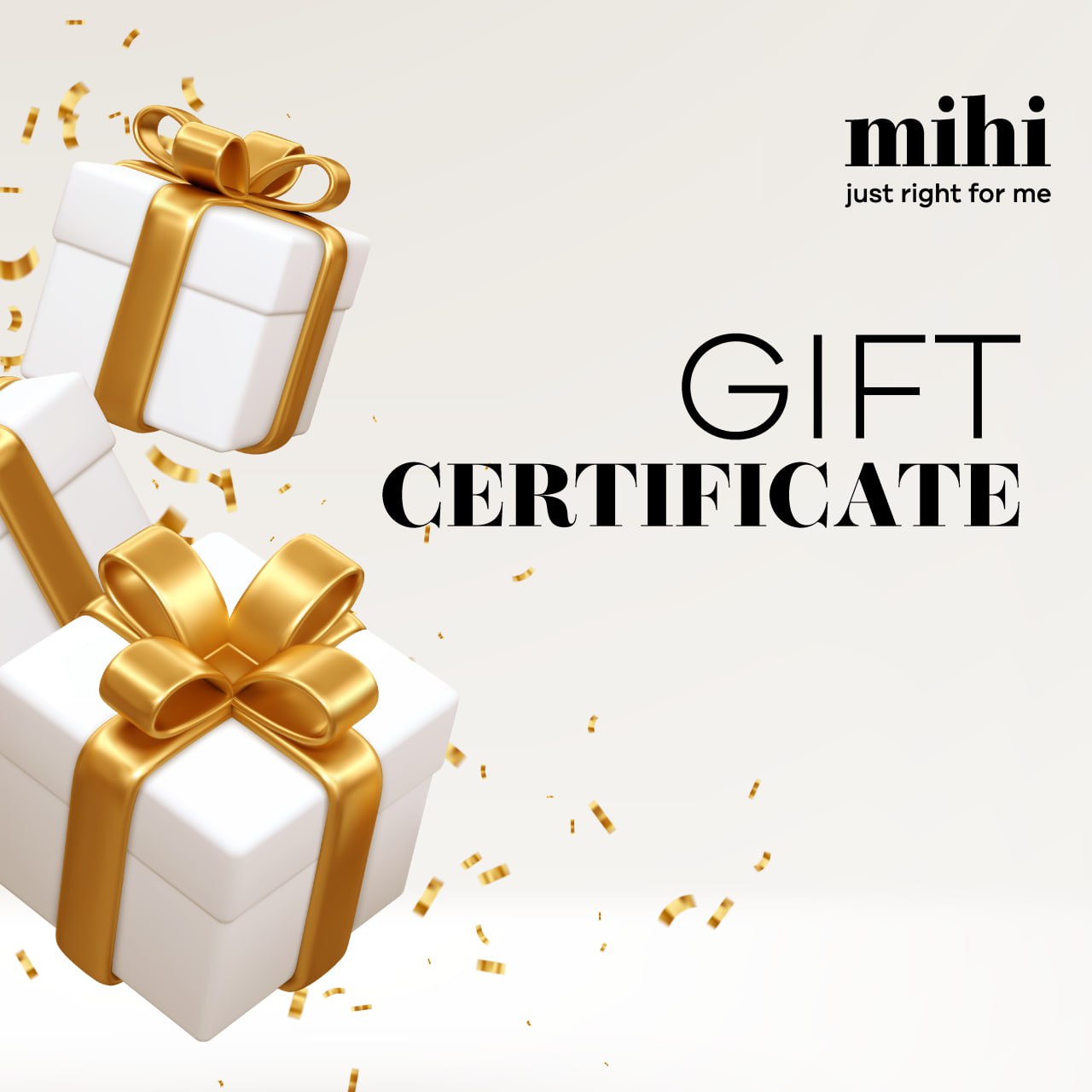
▫️ Go to the "Gift Certificates" section: https://mihi.care/cabinet/gift/certificate
▫️ Enter the desired amount and click "Save". 💳
▫️ The certificate with its code will appear on the screen. At this stage, you can download the certificate in PNG format by clicking the "Save" button. 🖼
▫️ Click "To pay" to complete the payment and activate the certificate.* 💸
▫️ After payment, you will receive an email with the certificate. 📧
▫️ Your gift is ready! Send the certificate to the recipient or print it out. 🎉
⚠️ Please note: gift certificates are available only with prepayment and must be purchased as a separate order. Funds from the promo account can be used. Gift certificates cannot be purchased together with other mihi products.
🔸 Log in or register on the website.
🔸 Fill your cart with products worth at least the value of the gift certificate.
🔸 Enter the certificate code in the "Promo Code" field in the cart.
🤩 Share joy with your family and friends with mihi electronic gift certificates!



 Only PC
  Favorite
  Catalog
  Cart
Cart  Enter
Enter